Categories
Uncategorized

Medical Billing Coding Software in the USA: The Truth About Denials

Table of Contents

  1. Introduction
  2. The Truth About Medical Claim Denials
  3. What Medical Billing Coding Software in the USA Actually Catches Before Submission
  4. Inside the Denial Cycle: From Submission to Payment
  5. What Practices Should Expect From Modern Billing Technology
  6. How ReLi Med Solutions Supports Better Healthcare Billing Workflows
  7. Frequently Asked Questions

Every practice administrator has seen it. The patient was treated, the chart was signed, and the reimbursement still never arrived. Medical billing in USA runs on payer-specific policies, annual code revisions, and strict timely filing limits. Most denials are not complicated. They stem from small, preventable errors that accumulate across thousands of claims. That is why medical billing coding software in the USA has become a core part of protecting practice revenue. Here is what actually drives denials, and how better tools reduce them.

The Truth About Medical Claim Denials

Small Errors
A missing modifier or a transposed digit in a member ID is enough to trigger a rejection.

Eligibility Gaps
Coverage that terminated last month often goes unnoticed until the payer returns the claim.

Coding Mismatches
When the diagnosis does not support medical necessity for the procedure billed, payers deny quickly.

Missing Authorizations
Prior authorization requirements are easy to overlook at a busy front desk.

Late Filing
Each payer sets its own timely filing deadline, and a missed one is rarely recoverable.

What Medical Billing Coding Software in the USA Actually Catches Before Submission

Strong software acts as a quality-control checkpoint. It reviews every claim before it reaches the payer.

  • Code validation: Confirms that CPT, ICD-10, and HCPCS codes are current and correctly paired.
  • Modifier checks: Flags missing or conflicting modifiers that commonly trigger NCCI and payer edits.
  • Eligibility verification: Confirms active coverage and plan benefits before the encounter is billed.
  • Duplicate detection: Identifies claims that match ones already submitted.
  • Payer rule scrubbing: Tests each claim against the specific edits that the payer enforces.

Inside the Denial Cycle: From Submission to Payment

  • Claim scrubbing: Software checks the claim for coding and formatting mistakes before it goes out.
  • Clearinghouse review: The clearinghouse looks over the file and sends it to the right payer.
  • Payer adjudication: The insurance company decides to pay it, cut it, or deny it.
  • Remittance posting: Payment and denial codes come back on the ERA, and your team posts them to the patient’s account.
  • Appeal and resubmission: Denied claims get fixed, appealed, and sent again before the payer’s deadline runs out.

This loop is the heart of the RCM cycle in medical billing. If one step breaks down, cash comes in slower and your days in accounts receivable go up.

What Should Practices Expect From Modern Billing Technology?
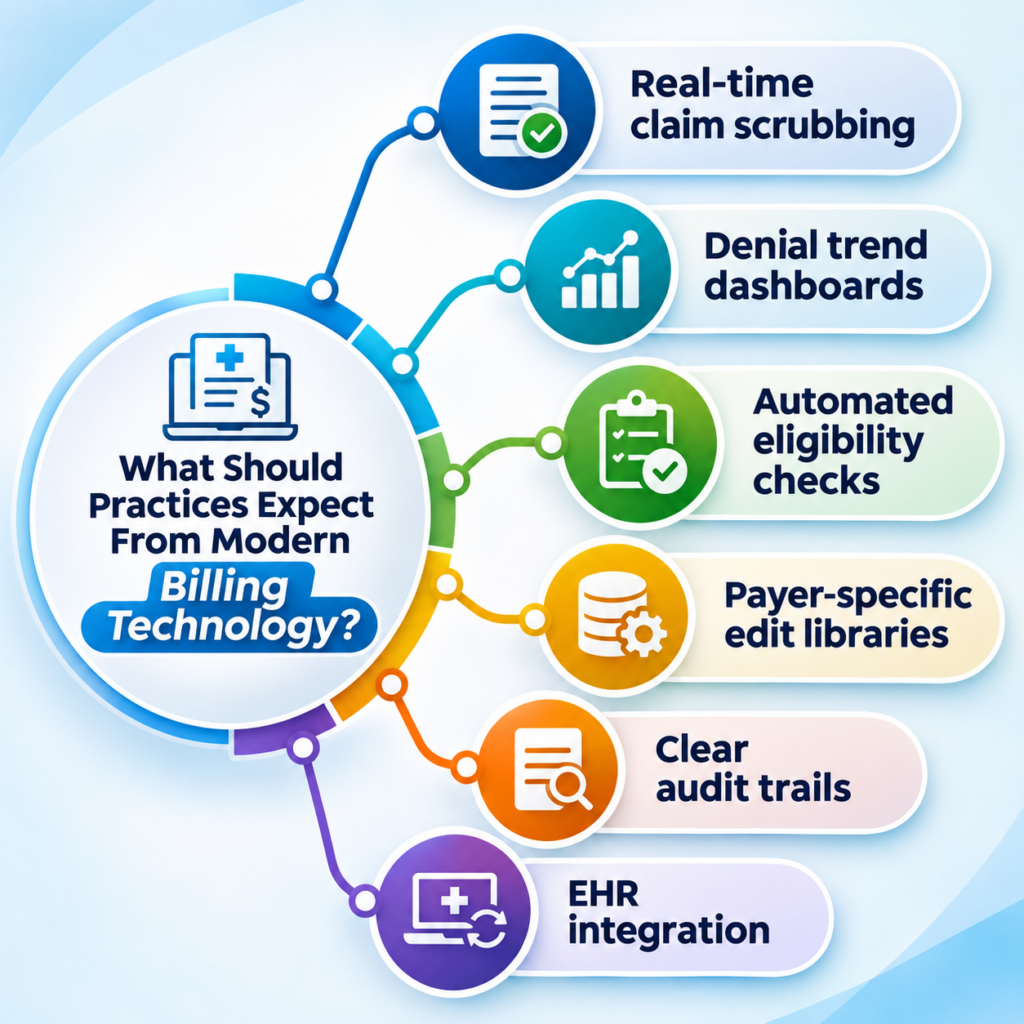
A medical billing software system should do more than store claims. It should help your staff identify problems early, resolve them quickly, and learn from every denial. A tool that only reports losses after they occur is not doing its job.

  • Real-time claim scrubbing
  • Denial trend dashboards
  • Automated eligibility checks
  • Payer-specific edit libraries
  • Clear audit trails
  • EHR integration

How ReLi Med Solutions Supports Better Healthcare Billing Workflows

ReLi Med Solutions operates as a medical billing agency that pairs certified billing specialists with practical technology. The objective is straightforward: fewer surprises between the patient encounter and payment posting. We don’t wait for denials to show up and then scramble. Our team checks claims at every step, so most problems get caught before a payer ever sees them.

  • Pre-submission claim reviews
  • Denial root-cause tracking
  • Payer-specific coding guidance
  • Timely follow-up on unpaid claims
  • Transparent performance reporting

Clean claims don’t happen by accident. They come from a steady process that your staff and ours follow every day. Whether you run a single-provider clinic or a growing multi-speciality group, the approach scales with your claim volume and payer mix.

Ready to cut denials and get paid faster? Call ReLi Med Solutions at (919) 896-8974 or email sales@relimedsolutions.com today.

Frequently Asked Questions

1. Can medical billing coding software identify payer-specific claim errors?

Yes, most of the good ones can. The software checks each claim against what the payer requires, such as modifiers, bundling rules, and documentation. If something doesn’t match, it flags the claim before you send it. How well it works depends on one thing: whether the vendor keeps those payer rules up to date.

2. What is the role of denial analytics in revenue cycle management?

It tells you why claims are being denied, not only how many. When you sort denials by payer, CPT code, or provider, the pattern usually points to one fixable cause. Fix that, and you get paid faster and write off less.

3. How can outpatient practices reduce repeated claim rework?

Get the front end right. Confirm eligibility at check-in, collect complete patient and insurance details, and run every claim through a scrubber before it goes out. Then review denial reports on a set schedule so the same error does not recur. Partnering with an experienced medical billing agency can accelerate that process.
Categories
Uncategorized

Automated Insurance Verification in the USA: Handling Insurance Changes During Referral and Specialist Visits

A referral may be complete and accurate on the day it is issued. If the patient changes employers before the specialist visit and a new plan takes effect, the specialist’s office may only learn of it at check-in. At that point, the appointment may need to be rescheduled, the claim may be denied, or the patient may receive an unexpected bill. Practices that confirm coverage details before the patient reaches the specialist avoid most of these problems. This article explains how.

Why Coverage Changes Between a Referral and the Specialist Visit

Several weeks can pass between the date a referral is placed and the date the patient is seen. During that time, any of the following can occur:

  • A new employer plan or insurance carrier. Job changes and open enrollment are the most common causes.
  • A different member ID or group number. Even with the same insurer, a plan renewal can result in new identifiers.
  • A change in plan type. Moving from a PPO to an HMO, for example, may introduce referral requirements that did not apply before.
  • The specialist is outside the new network. A provider covered under the previous plan may be out-of-network under the new one.
  • New prior authorization requirements. Some plans will not cover a specialist visit unless authorization is on file.

Any one of these can result in a denied claim if it is not identified before the appointment.

How Automated Insurance Verification in the USA Flags Changes Before the Visit

Verifying coverage manually by phone or payer portal is manageable for a small number of referrals, but it becomes inefficient as volume grows. Automated insurance verification in the USA runs the eligibility check electronically and returns results within moments, which frees staff from lengthy payer calls. In a referral workflow, automated verification allows your team to:

  • Confirm that coverage is active on the date of the specialist appointment, not only on the date of referral.
  • Identify a changed member ID or payer before the patient is scheduled.
  • Review the copay, deductible and referral requirements that apply to the specialist’s service.
  • Detect missing or mismatched demographic information that could cause a claim rejection.
  • Provide accurate details to the billing team, which supports more reliable Medical Billing Insurance Verification.

What to Do When a Patient Reports New Insurance

Technology can flag discrepancies, but staff still need a defined process for responding to them. A practical workflow includes the following steps:

  1. Ask at every touchpoint. During scheduling and check-in, ask whether the patient’s coverage has changed.
  2. Collect the new insurance card. Obtain a copy of the front and back, and update the patient’s record immediately.
  3. Repeat medical insurance verification. Do not rely on earlier results, as they apply to a plan the patient may no longer hold.
  4. Review referral and authorization requirements. If the new plan requires its own referral or authorization, begin that request right away.
  5. Notify the specialist’s office. Send the updated insurance details with the referral so the specialist is not working from outdated information.
  6. Inform the billing team. This ensures claims are submitted to the correct payer.

Where EMR Systems and Cloud-Based Platforms Fit In

Verification results are only useful if everyone involved can access them. When insurance details are kept in separate spreadsheets or email threads, the same information is entered repeatedly, and errors become more likely.

Modern EMR Systems store demographics, insurance details and referral records in a single patient chart. A Cloud based EMR extends this further by allowing front desk staff, referral coordinators, billers and providers to work from the same current record across locations. When verification is integrated with the EMR and practice management software, a coverage update entered once is reflected wherever it is needed.

Frequently Asked Questions

1. What if a patient’s coverage ends the day before the specialist visit?
Eligibility should be checked again shortly before the appointment. If coverage has lapsed, the practice can request updated details from the patient, reschedule, or discuss self-pay options before the visit rather than after.

2. How early should verification be completed before a specialist appointment?
Many practices verify when the appointment is booked and again one to two days before the visit. The second check identifies any changes that occurred in the interim.

3. What should staff do if a patient has two active plans?
Verify both plans and confirm which is primary. Billing the wrong payer first is a common cause of delayed payment, so coordination of benefits should be resolved before the claim is submitted.

4. Can a patient still be seen if verification returns an error or no response?
An error often indicates a data mismatch, such as a misspelt name or an incorrect date of birth, or a temporary payer system issue. Staff should compare the details with the patient’s card, retry the check, and contact the payer if the issue persists before deciding whether to proceed with the visit.

Keep Referrals on Track With ReLi Med Solutions

An insurance change should not delay a patient’s access to care. ReLi Med Solutions provides integrated EMR, practice management and revenue cycle management solutions that help your team verify coverage, track referrals, and maintain accurate billing information. Contact ReLi Med Solutions to learn how these tools can support your practice.

Categories
Uncategorized

Electronic Healthcare Record System in the USA: What Physicians Should Know Before Replacing Their Existing EHR

Picture a busy Monday morning. The waiting room is full, and one patient chart is still loading. Meanwhile, your billing team is asking for the same missing details again. Does that sound familiar? If so, your software may be the problem. Switching feels like a big job. But a slow system costs you time every single day. So let’s look at how to decide and how to pick the right electronic healthcare record system in the USA.

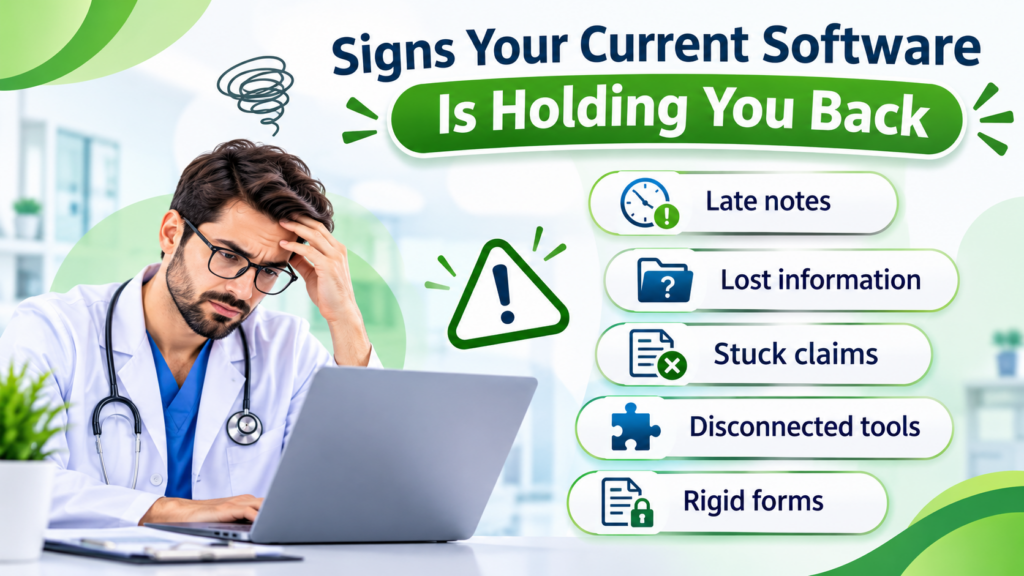
Signs Your Current Software Is Holding You Back

Most practices outgrow their first system. More patients and more staff put pressure on tools that once felt fine. Here are the warning signs:

  • Late notes: Doctors finish charting after clinic hours.
  • Lost information: Staff click through many screens to find one result.
  • Stuck claims: Billing can’t pull the data it needs, so payments arrive late.
  • Disconnected tools: Labs and prescriptions live in separate places.
  • Rigid forms: Templates don’t match how your speciality works.

One bad week is normal. However, if these problems keep returning, start comparing EHR systems.

Look Past the Feature List

Vendors love long feature lists. But a long list doesn’t make daily work easier. Instead, ask how each tool fits your clinic’s routine. Strong Medical Record Software should give you:

  • Quick charting: A doctor can finish a note in minutes.
  • Custom templates: Each speciality gets its own layout.
  • Built-in billing: Claims, payments, and insurance sit in one place.
  • Solid security: Access controls, encryption, and backups come standard.
  • Real support: Someone answers when your staff gets stuck.

Better still, ask two or three team members to test it for a week. They will find problems a sales demo never shows.

Why EHR Integration Matters

Imagine typing the same patient details into three programs. It wastes time. It also leads to errors. Good EHR integration fixes this. Data moves between tools on its own, so staff type less and find more. Check whether the system connects with:

  • Lab and diagnostics software
  • Pharmacy and e-prescribing tools
  • Billing and practice management platforms
  • Patient portals and telehealth
  • Health information exchanges

Is a Cloud Based EHR System Right for You?

A cloud-based EHR system stores records online. Authorised users can open them from approved devices and places. That helps when several providers share one clinic.

Still, the cloud has trade-offs. Your internet must be dependable. You also need clear rules for data security, backups, user access, and monthly fees. Ask each vendor about these before you sign.

What Small Clinics Really Need

A small clinic isn’t a mini hospital. You don’t need every advanced tool. So when you compare EHR systems for small practices, focus on the basics:

  • Simple patient registration and charting
  • Scheduling and billing
  • Pricing you can understand
  • The integrations you actually use
  • Room to add features later

Paying for unused extras only drains your budget.

Plan the Move Before You Make It

Even a great system fails without a good rollout. So take these steps first:

  • Decide which patient records must transfer
  • Confirm that older notes stay accessible
  • Train every doctor and staff member
  • Run test appointments and test claims
  • Get vendor support during the first weeks

With a clear plan, choosing an electronic healthcare record system in the USA becomes far less stressful. Your team adjusts faster, too.

ReLi Med Solutions offers EMR and practice management tools for charting, billing, scheduling, reporting, and integrations. Practices can choose cloud-based or in-house deployment.

FAQs

1. How do I know my practice has outgrown its EHR, and not just a bad week?

Track it for two weeks. Note how often charts load slowly, notes spill into evenings, and claims get stuck. If the same problems show up most days, your system is the cause. In that case, start comparing new electronic healthcare record system in the USA.

2. What happens to my old patient notes when I switch?

It depends on the vendor and your data format. So ask early how records transfer, what stays searchable, and whether old notes can be viewed in read-only form. Also, request a small test migration before the full move.

3. Why do small clinics struggle with big, complex software?

Because they pay for features they rarely open, and they train staff on tools they never need. That’s why EHR systems for small practices should stay simple, with clear pricing and room to grow.

Categories
Uncategorized

Patient Engagement Portal in the USA: Managing Patient-Generated Health Data in Outpatient Care 

Picture a 15-minute visit. The patient’s blood pressure looks fine in your clinic. At home, though, it has been running high for three weeks, and nobody on your team knew. This gap is why more physicians are looking at a patient engagement portal in the USA. It gives patients an organised way to send you what happens between appointments, and it doesn’t have to add hours to your staff’s week.

Patient Engagement Portal in the USA: Why Physicians Are Paying Attention to Home Health Data?

Patient-generated health data (PGHD) is information patients record on their own, outside your clinic. It usually comes from home monitors, wearables, and health apps. Typical examples:

  • Home blood pressure and blood sugar readings
  • Heart rate, sleep, and activity data from fitness trackers
  • Weight changes and symptoms logged in an app
  • Medication changes and side effects
  • Recovery notes after an outpatient procedure

One clinic reading is a snapshot. A few weeks of home readings show a trend, and trends are often what change a treatment decision.

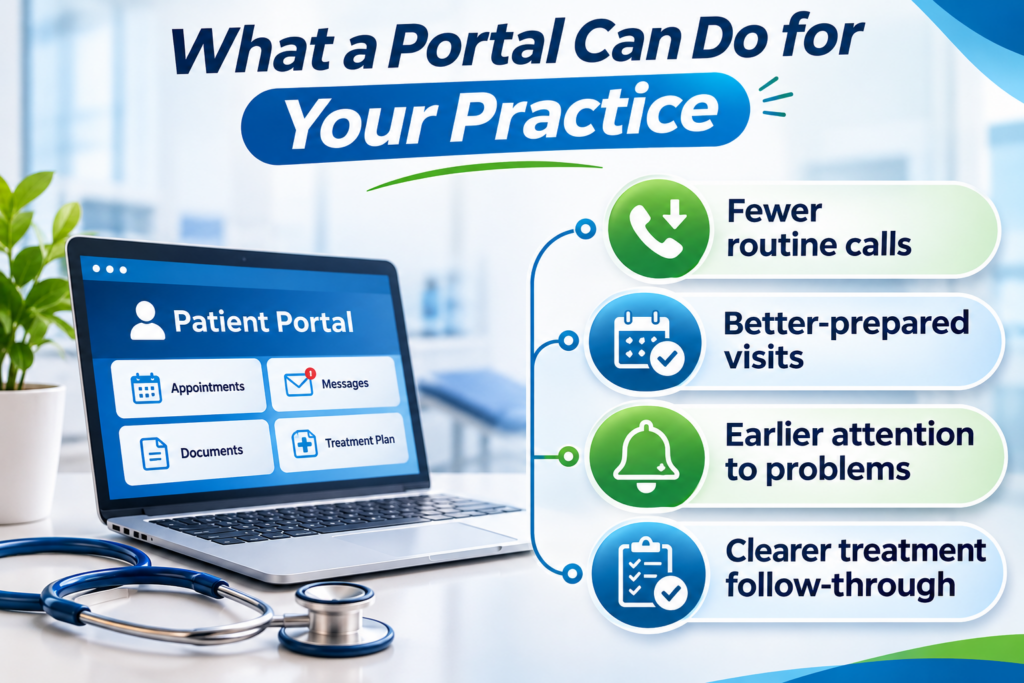
What a Portal Can Do for Your Practice?

A good portal isn’t only a convenience for patients. It takes pressure off your clinic in a few practical ways:

  • Fewer routine calls: Patients can send readings, ask follow-up questions, and check test results without phoning the front desk.
  • Better-prepared visits: You can look at home data before the patient arrives, so the appointment starts with decisions instead of data collection.
  • Earlier attention to problems: Worsening readings or new symptoms can reach your team before the next scheduled visit.
  • Clearer treatment follow-through: Patients can report how they’re taking their medications, so adherence problems surface sooner.

None of this helps if the data just piles up. That’s why setup matters.

Setting Up a Review Process Your Team Can Sustain

The biggest risk with patient-submitted data usually isn’t the technology. It’s unclear ownership. If patients send readings and nobody knows who looks at them, the portal becomes a liability.

Settle these points before launch:

  • Who reviews submissions: A nurse or care coordinator often handles this, with flagged items escalated to the physician.
  • How often: Pick a fixed window, such as every business day, and tell patients what it is.
  • What counts as urgent: Write down the thresholds that trigger a call, and make sure patients know the portal isn’t for emergencies.
  • What you’ll accept: Begin with conditions you already manage, like hypertension, diabetes, or post-procedure recovery. Widen the scope later.

A cloud-based patient management system can support this work. It can sort submissions by date and type, route tasks to the right team member, and give authorised staff access to what they need. Once a clinician has reviewed an update, a patient record management system can file it with the rest of the chart. Before a consultation, you open one record, not several sources.

From Patient Update to Follow-Up Visit

Some updates need a reply. Others need an appointment. Recurring symptoms may call for a consultation, and a post-surgery patient who reports something unusual may need to come in sooner than planned.

When patient scheduling software is connected to the portal, patients can request visits, see open slots, and manage their own appointments. Your front desk makes fewer calls to book or move visits, and patients who need attention get in faster.

Medical records should sit in the same workflow. When you review a new reading, you can compare it with earlier visits, past results, and the current treatment plan without switching systems. Patients also stop repeating their history at every visit.

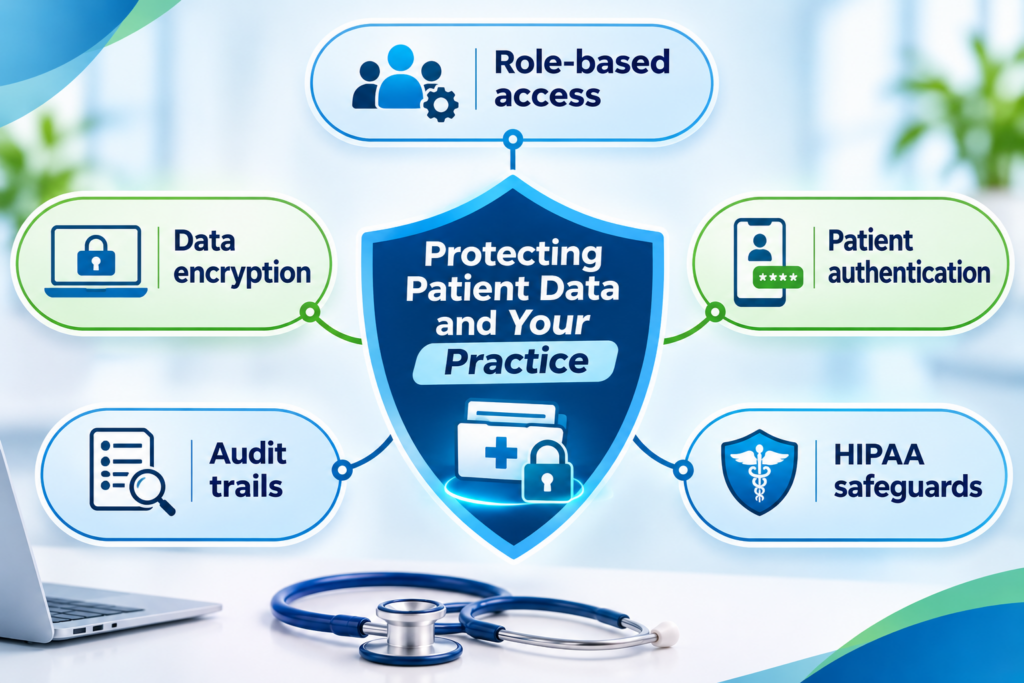
Protecting Patient Data and Your Practice

Your patients trust you with what they share, so put security on your checklist before you pick any platform. Look for:

  • Role-based access: Staff see only what their role requires.
  • Data encryption: Information is protected in storage and in transit.
  • Patient authentication: Verification steps reduce unauthorised logins.
  • Audit trails: Every access or change to a record is logged.
  • HIPAA safeguards: Controls that help your practice meet applicable privacy and security rules.

Where to Start

You don’t need to launch everything at once. Many clinics begin with one condition and one or two staff members handling reviews, then expand once the process runs smoothly. Choose the patients whose between-visit data would change your decisions the most, and build from there.

ReLi Med Solutions works with outpatient practices to connect patient communication, scheduling, and record management in one workflow. That way, home health data supports your clinical decisions instead of becoming another inbox to manage.

FAQs

1. How do I keep patient-submitted data from becoming extra work for my staff?
Give one person, usually a nurse or care coordinator, the job of reviewing submissions in a set time window. Limit what you accept at first, such as home blood pressure or glucose readings, and define clear thresholds for escalating something to you.

2. Am I liable if a patient submits a concerning reading and it isn’t reviewed right away?
That depends on your state and your own policies, so check with your legal counsel. In practice, you reduce risk by telling patients your review timeline, stating that the portal isn’t for emergencies, and giving them a number to call when something feels urgent.

3. What should I check with a vendor before adding a portal to my clinic?
How data is encrypted and how submissions reach your chart. Also ask which devices or apps they support, how scheduling connects, and how you can export your data if you ever switch systems.