Picture a 15-minute visit. The patient’s blood pressure looks fine in your clinic. At home, though, it has been running high for three weeks, and nobody on your team knew. This gap is why more physicians are looking at a patient engagement portal in the USA. It gives patients an organised way to send you what happens between appointments, and it doesn’t have to add hours to your staff’s week.
Patient Engagement Portal in the USA: Why Physicians Are Paying Attention to Home Health Data?
Patient-generated health data (PGHD) is information patients record on their own, outside your clinic. It usually comes from home monitors, wearables, and health apps. Typical examples:
- Home blood pressure and blood sugar readings
- Heart rate, sleep, and activity data from fitness trackers
- Weight changes and symptoms logged in an app
- Medication changes and side effects
- Recovery notes after an outpatient procedure
One clinic reading is a snapshot. A few weeks of home readings show a trend, and trends are often what change a treatment decision.
What a Portal Can Do for Your Practice?
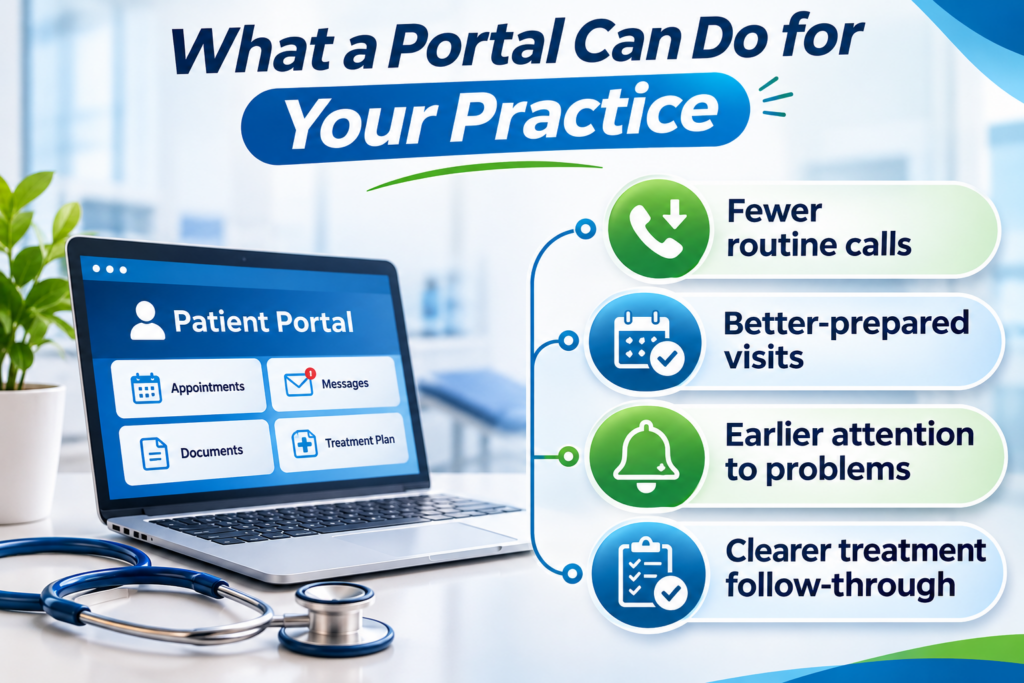
A good portal isn’t only a convenience for patients. It takes pressure off your clinic in a few practical ways:
- Fewer routine calls: Patients can send readings, ask follow-up questions, and check test results without phoning the front desk.
- Better-prepared visits: You can look at home data before the patient arrives, so the appointment starts with decisions instead of data collection.
- Earlier attention to problems: Worsening readings or new symptoms can reach your team before the next scheduled visit.
- Clearer treatment follow-through: Patients can report how they’re taking their medications, so adherence problems surface sooner.
None of this helps if the data just piles up. That’s why setup matters.
Setting Up a Review Process Your Team Can Sustain
The biggest risk with patient-submitted data usually isn’t the technology. It’s unclear ownership. If patients send readings and nobody knows who looks at them, the portal becomes a liability.
Settle these points before launch:
- Who reviews submissions: A nurse or care coordinator often handles this, with flagged items escalated to the physician.
- How often: Pick a fixed window, such as every business day, and tell patients what it is.
- What counts as urgent: Write down the thresholds that trigger a call, and make sure patients know the portal isn’t for emergencies.
- What you’ll accept: Begin with conditions you already manage, like hypertension, diabetes, or post-procedure recovery. Widen the scope later.
A cloud-based patient management system can support this work. It can sort submissions by date and type, route tasks to the right team member, and give authorised staff access to what they need. Once a clinician has reviewed an update, a patient record management system can file it with the rest of the chart. Before a consultation, you open one record, not several sources.
From Patient Update to Follow-Up Visit
Some updates need a reply. Others need an appointment. Recurring symptoms may call for a consultation, and a post-surgery patient who reports something unusual may need to come in sooner than planned.
When patient scheduling software is connected to the portal, patients can request visits, see open slots, and manage their own appointments. Your front desk makes fewer calls to book or move visits, and patients who need attention get in faster.
Medical records should sit in the same workflow. When you review a new reading, you can compare it with earlier visits, past results, and the current treatment plan without switching systems. Patients also stop repeating their history at every visit.
Protecting Patient Data and Your Practice
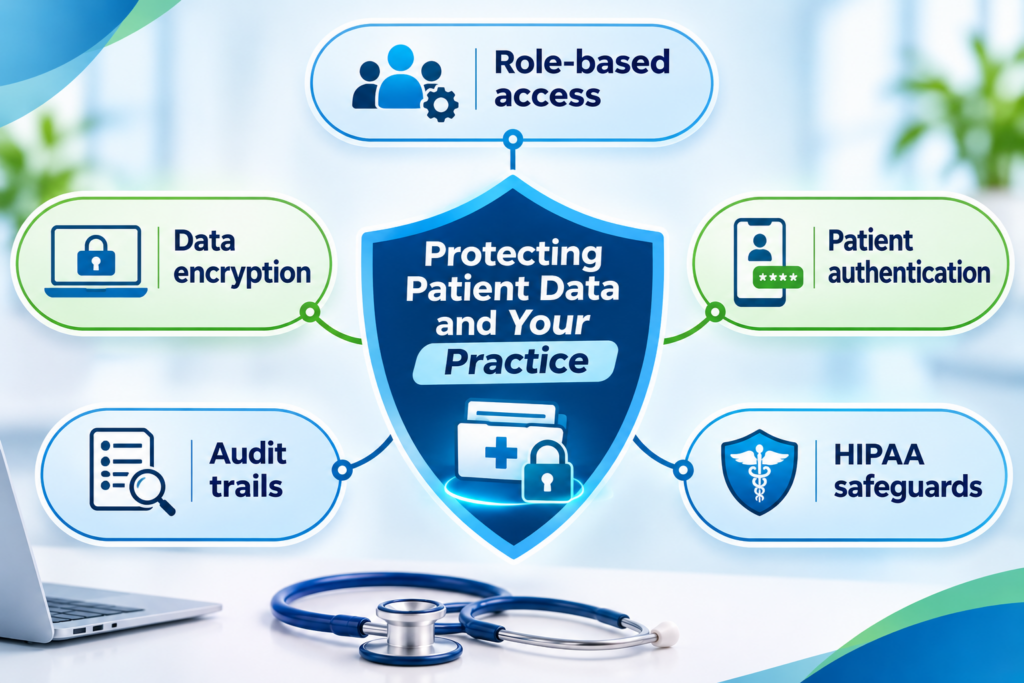
Your patients trust you with what they share, so put security on your checklist before you pick any platform. Look for:
- Role-based access: Staff see only what their role requires.
- Data encryption: Information is protected in storage and in transit.
- Patient authentication: Verification steps reduce unauthorised logins.
- Audit trails: Every access or change to a record is logged.
- HIPAA safeguards: Controls that help your practice meet applicable privacy and security rules.
Where to Start
You don’t need to launch everything at once. Many clinics begin with one condition and one or two staff members handling reviews, then expand once the process runs smoothly. Choose the patients whose between-visit data would change your decisions the most, and build from there.
ReLi Med Solutions works with outpatient practices to connect patient communication, scheduling, and record management in one workflow. That way, home health data supports your clinical decisions instead of becoming another inbox to manage.
FAQs
1. How do I keep patient-submitted data from becoming extra work for my staff?
Give one person, usually a nurse or care coordinator, the job of reviewing submissions in a set time window. Limit what you accept at first, such as home blood pressure or glucose readings, and define clear thresholds for escalating something to you.
2. Am I liable if a patient submits a concerning reading and it isn’t reviewed right away?
That depends on your state and your own policies, so check with your legal counsel. In practice, you reduce risk by telling patients your review timeline, stating that the portal isn’t for emergencies, and giving them a number to call when something feels urgent.
3. What should I check with a vendor before adding a portal to my clinic?
How data is encrypted and how submissions reach your chart. Also ask which devices or apps they support, how scheduling connects, and how you can export your data if you ever switch systems.