Picture a busy Monday morning. The waiting room is full, and one patient chart is still loading. Meanwhile, your billing team is asking for the same missing details again. Does that sound familiar? If so, your software may be the problem. Switching feels like a big job. But a slow system costs you time every single day. So let’s look at how to decide and how to pick the right electronic healthcare record system in the USA.
Signs Your Current Software Is Holding You Back
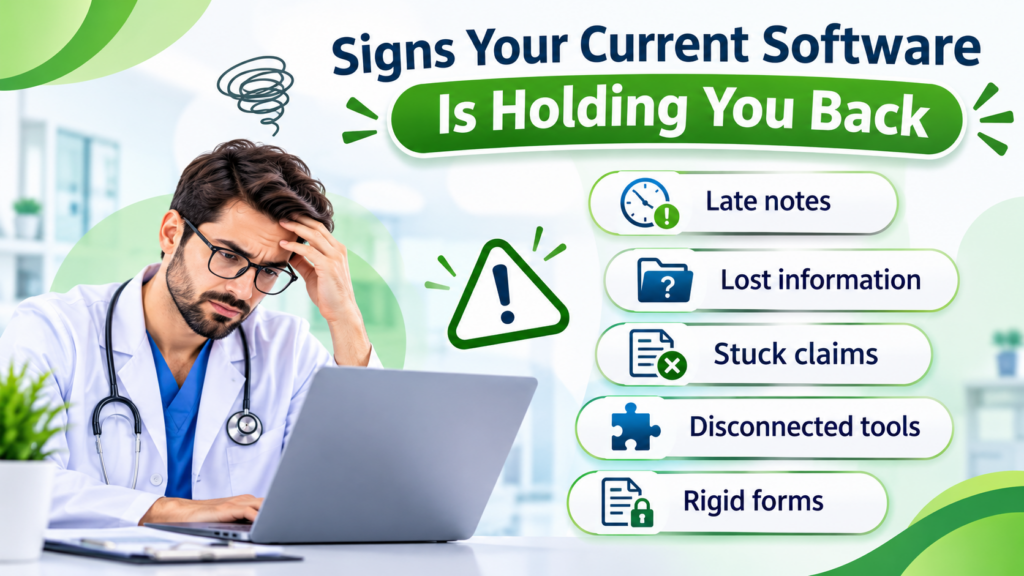
Most practices outgrow their first system. More patients and more staff put pressure on tools that once felt fine. Here are the warning signs:
- Late notes: Doctors finish charting after clinic hours.
- Lost information: Staff click through many screens to find one result.
- Stuck claims: Billing can’t pull the data it needs, so payments arrive late.
- Disconnected tools: Labs and prescriptions live in separate places.
- Rigid forms: Templates don’t match how your speciality works.
One bad week is normal. However, if these problems keep returning, start comparing EHR systems.
Look Past the Feature List
Vendors love long feature lists. But a long list doesn’t make daily work easier. Instead, ask how each tool fits your clinic’s routine. Strong Medical Record Software should give you:
- Quick charting: A doctor can finish a note in minutes.
- Custom templates: Each speciality gets its own layout.
- Built-in billing: Claims, payments, and insurance sit in one place.
- Solid security: Access controls, encryption, and backups come standard.
- Real support: Someone answers when your staff gets stuck.
Better still, ask two or three team members to test it for a week. They will find problems a sales demo never shows.
Why EHR Integration Matters
Imagine typing the same patient details into three programs. It wastes time. It also leads to errors. Good EHR integration fixes this. Data moves between tools on its own, so staff type less and find more. Check whether the system connects with:
- Lab and diagnostics software
- Pharmacy and e-prescribing tools
- Billing and practice management platforms
- Patient portals and telehealth
- Health information exchanges
Is a Cloud Based EHR System Right for You?
A cloud-based EHR system stores records online. Authorised users can open them from approved devices and places. That helps when several providers share one clinic.
Still, the cloud has trade-offs. Your internet must be dependable. You also need clear rules for data security, backups, user access, and monthly fees. Ask each vendor about these before you sign.
What Small Clinics Really Need
A small clinic isn’t a mini hospital. You don’t need every advanced tool. So when you compare EHR systems for small practices, focus on the basics:
- Simple patient registration and charting
- Scheduling and billing
- Pricing you can understand
- The integrations you actually use
- Room to add features later
Paying for unused extras only drains your budget.
Plan the Move Before You Make It
Even a great system fails without a good rollout. So take these steps first:
- Decide which patient records must transfer
- Confirm that older notes stay accessible
- Train every doctor and staff member
- Run test appointments and test claims
- Get vendor support during the first weeks
With a clear plan, choosing an electronic healthcare record system in the USA becomes far less stressful. Your team adjusts faster, too.
ReLi Med Solutions offers EMR and practice management tools for charting, billing, scheduling, reporting, and integrations. Practices can choose cloud-based or in-house deployment.
FAQs
1. How do I know my practice has outgrown its EHR, and not just a bad week?
Track it for two weeks. Note how often charts load slowly, notes spill into evenings, and claims get stuck. If the same problems show up most days, your system is the cause. In that case, start comparing new electronic healthcare record system in the USA.
2. What happens to my old patient notes when I switch?
It depends on the vendor and your data format. So ask early how records transfer, what stays searchable, and whether old notes can be viewed in read-only form. Also, request a small test migration before the full move.
3. Why do small clinics struggle with big, complex software?
Because they pay for features they rarely open, and they train staff on tools they never need. That’s why EHR systems for small practices should stay simple, with clear pricing and room to grow.